
UNITY
Racetrack
Multiplayer racing game.
Overview
A multiplayer vehicle racing game built in Unity, featuring custom vehicle physics like drifting and suspension, real-time multiplayer support, and a streamlined Blender-to-Unity pipeline for rapid level creation. This project was developed during my time at Vegas City.
Vehicle Physics
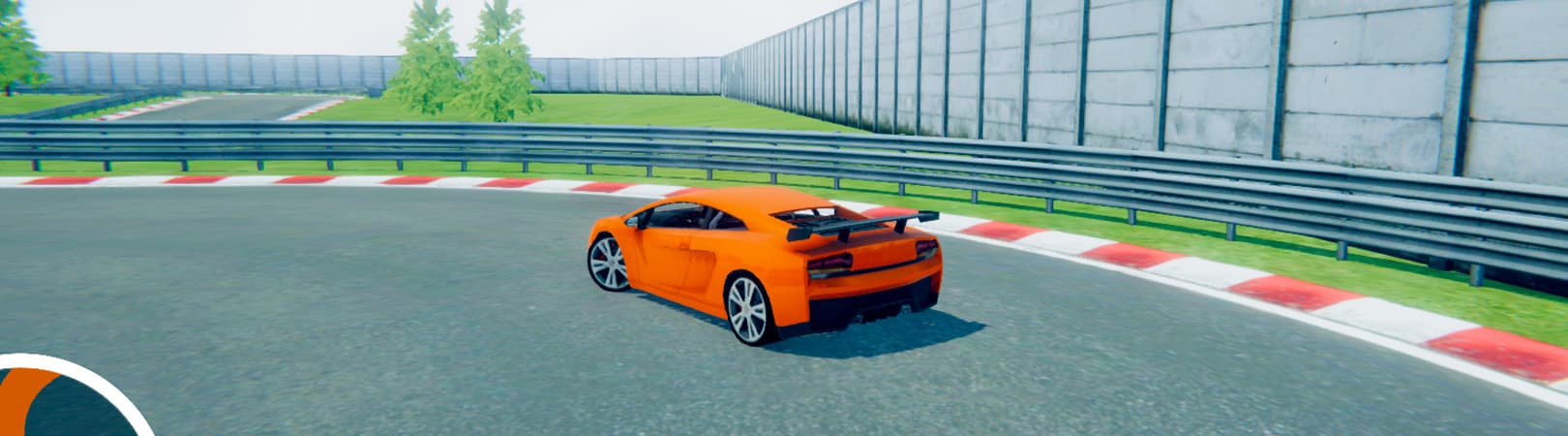
The vehicle physics system is built on Unity WheelColliders, with custom logic to control steering, acceleration, braking, drifting, grip, and suspension behavior. Wheel motor and brake torque are dynamically calculated and adjusted based on vehicle speed, acceleration, and state. In addition, a forward force is applied to the chassis rigidbody to drive the vehicle forward. Drifting is implemented through custom code which manipulates the forward and sideways friction of the WheelColliders. Friction values transition smoothly using easing functions, creating controlled entry and exit rather than abrupt grip loss. Suspension forces are calculated using Hooke's Law, with configurable damping behavior. I have also written an anti-roll script that applies forces to the rigidbody to make sure the vehicle stays upright.
Gameplay
The majority of gameplay logic is implemented using PlayMaker. Multiple FSMs manage car selection, multiplayer setup, race progression, win/loss conditions, and more. Centerline-based track progression prevents shortcutting and ensures accurate lap completion. Custom PlayMaker actions were implemented where necessary, including network message handling for multiplayer.
Multiplayer Support
The game supports both singleplayer and multiplayer modes. In multiplayer, a player can host a session that others can join. The players can select a vehicle and then race against each other. Vehicle state data (position, rotation, velocity and angular velocity) is synchronized across the network to maintain consistent simulation between players. Each player also transmits a normalized lap progression value over the network (calculated by using the nearest point on the centerline) which is used to determine race positions in real time. This approach ensures accurate position tracking even during overtakes and off-line driving situations.
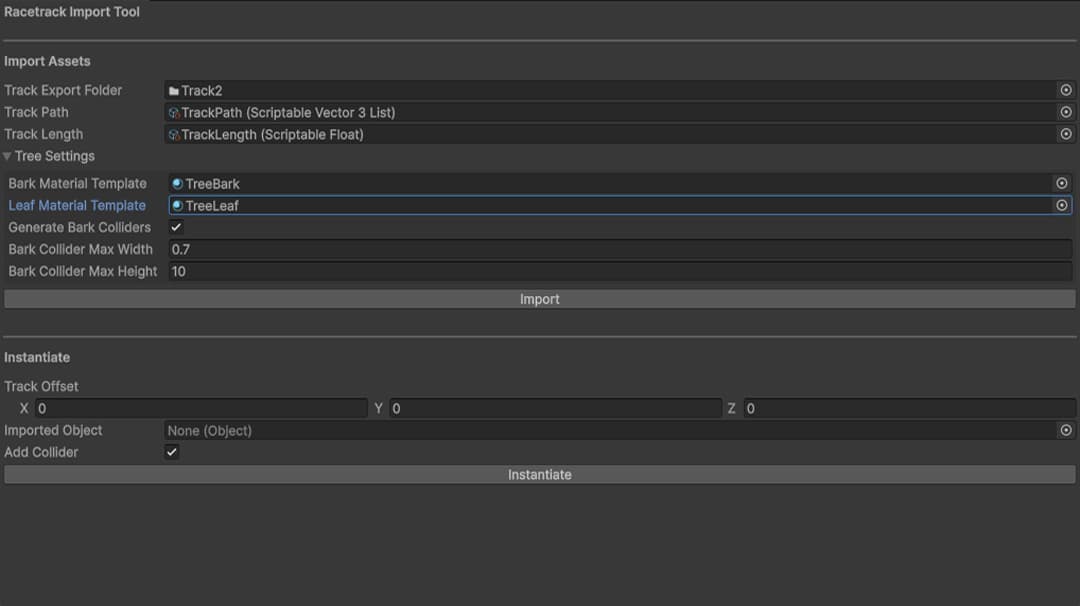
Unity Import Tool
The Unity tool imports data, generates prefabs, and instantiates tracks.
Blender-to-Unity Pipeline
The Blender-to-Unity pipeline was built to streamline the creation of race tracks and levels. The Blender add-on (written in Python) exports track geometry, environment meshes, and structured gameplay data (obstacles, surfaces, track metadata) via FBX and JSON. The corresponding Unity import tool then constructs the level using the exported meshes, updates the level's metadata, and generates the required prefabs. Obstacle objects (e.g., barrels) are instantiated with rigidbodies and configured dynamically using exported JSON parameters. Surfaces (e.g., grass, concrete, oil spills) are generated with different physics materials, allowing different driving behaviors such as varying friction. grip and maximum speed. Surfaces can also trigger gameplay events, such as enabling headlights when entering tunnels. In addition, the importer generates tree prefabs from exported data. The tree bark and leaves are separated automatically, with colliders applied only to the bark mesh. Bark and leaf materials are also generated and use a wind shader to support dynamic tree swaying.
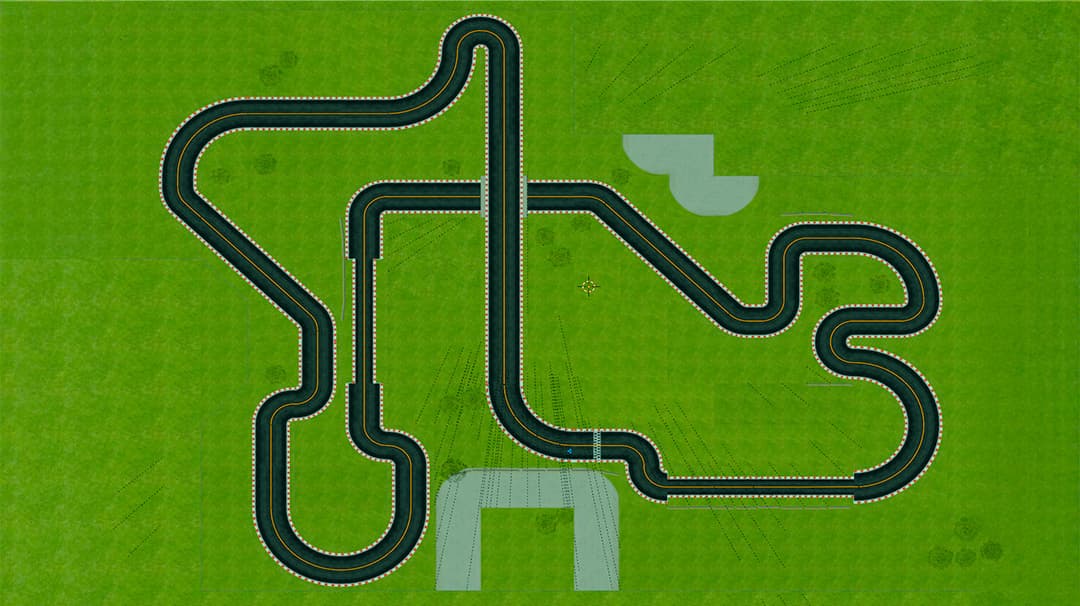
Track Definition in Blender
The centerline of the track is exported as a list of points, which is ultimately used by the game to determine a player's lap progression (by projecting the player's position to the closest point on the centerline).